Wish List
This add-on enables customer wish lists on the storefront.
When you activate this add-on in the Add-ons → Downloaded add-ons section, the heart icon with the Add to wish list pop-up appears on the product details page in the storefront.
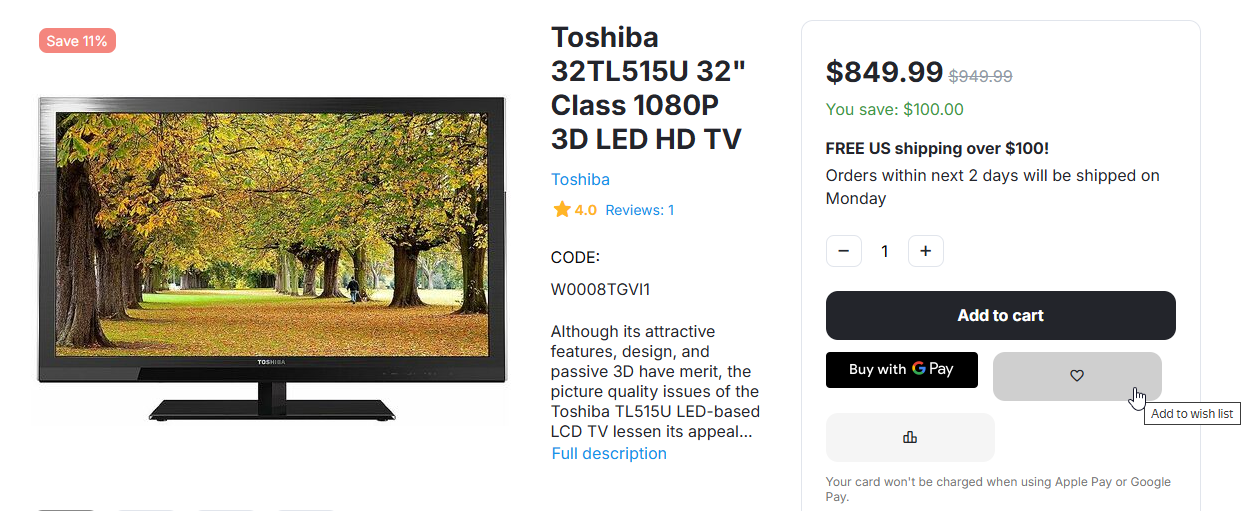
After adding products to the wish list, customers can look through them in the My account → Wish list section.
The Wish list section offers a number of further options:
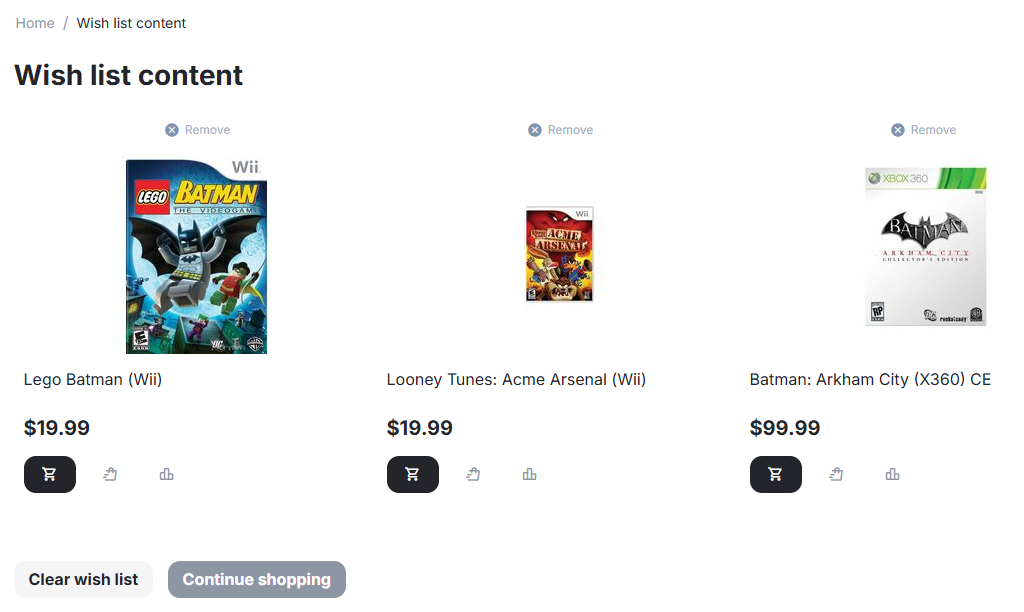
You can add a product to your cart, or even buy it with 1-click.
You can also add a product to your comparison list.
Questions & Feedback
Have any questions that weren't answered here? Need help with solving a problem in your online store? Want to report a bug in our software? Find out how to contact us.